
How to store your family photos more safely
Most families discover the weak point in their photo storage at the worst possible moment: a lost phone, a drive that will not spin up, an account that cannot be recovered.
This guide is about reducing that risk in practical steps.
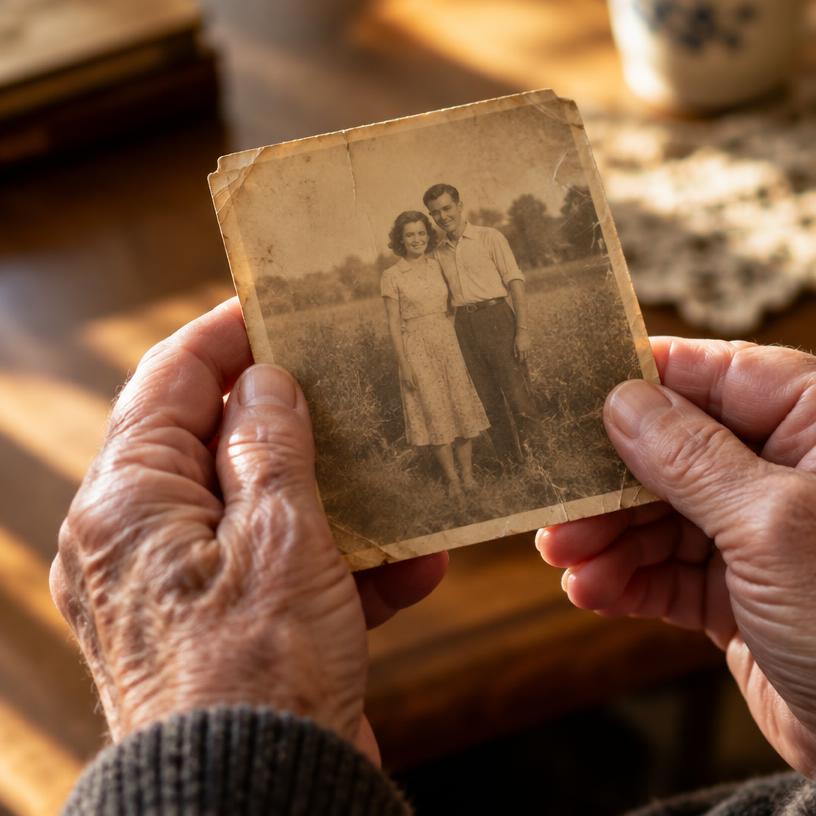
Why one copy is not enough
A single copy is not storage, it is exposure. Any one device, account or disk can fail, and photos are the one category of file that cannot be recreated.
The most common ways memories are lost
- A phone is lost, stolen or replaced before the library is copied.
- A hard drive fails mechanically, often with no warning.
- A cloud account is closed, forgotten or locked out after a password reset.
- Files are moved between services and the originals are deleted to free space.
Keep the originals
Compression and re-uploads quietly reduce quality. The original file is the archival copy; keep it, and treat every improved version as an addition.
Backup and exportability
Ask of any service: can I get everything back out, in full quality, without a special tool? A library you can export is a library you still control.
Access control and privacy
Family photos are personal data about children, relatives and people who never chose to be online. Who can see an album matters as much as where it is stored.
Lifemera is built privately by default, with European data storage. We deliberately avoid absolute security claims: no service can promise that nothing will ever go wrong, and you can read exactly how we handle data in our privacy policy.
Keep reading
Help shape Lifemera.
We're looking for a small group of families to help test Lifemera before public launch.
Apply to become a test family →